

Monitoring
PHP errors, cron, database, 404s and broken links
Find PHP errors, overdue cron jobs, database bloat, busy 404s and broken links across your sites: what each check looks at and how often it runs.
Applies to: All plans
Each sync brings back the site's PHP errors, scheduled tasks and database figures, and a weekly crawl looks for broken links. All of it works on every plan.
PHP errors
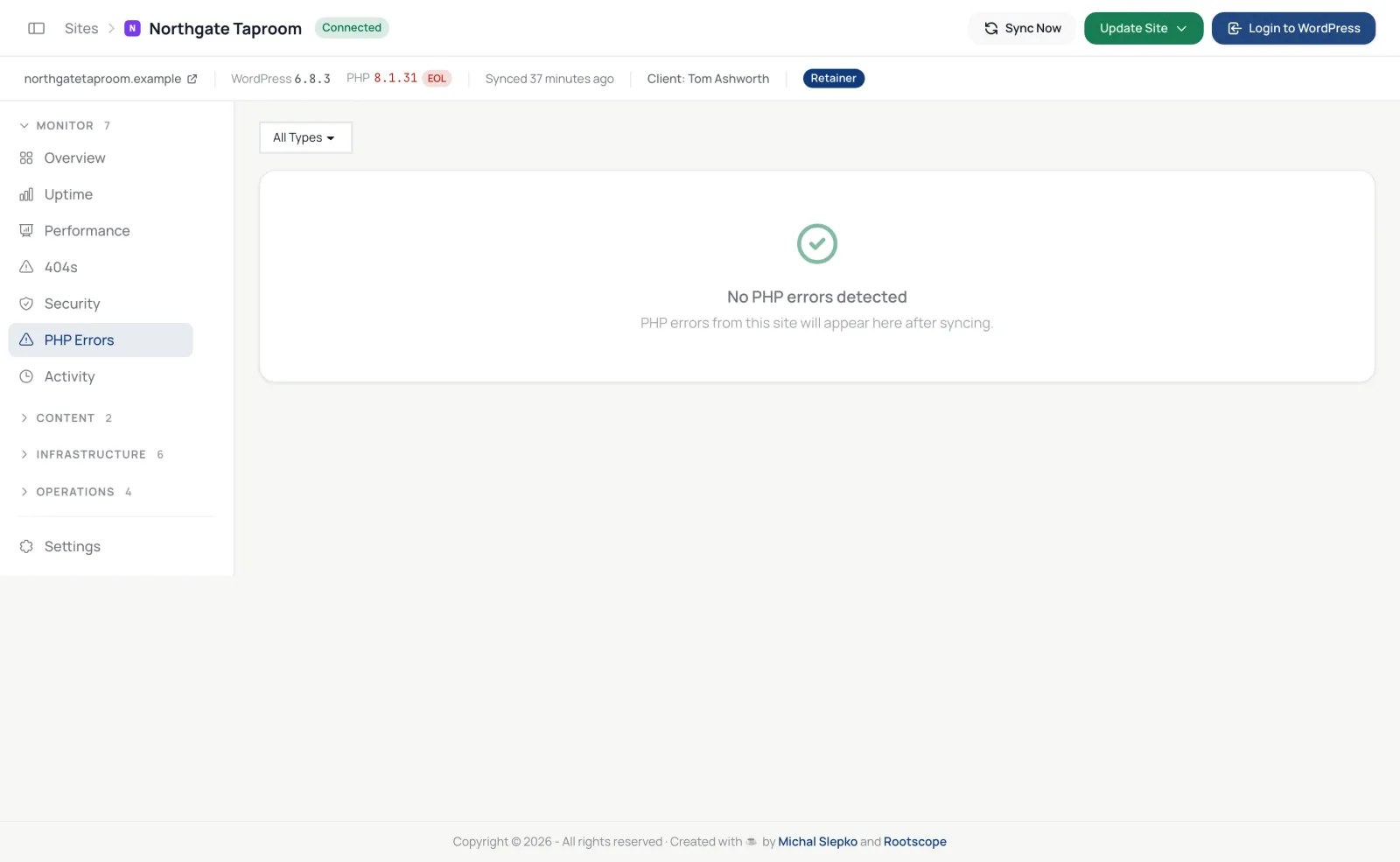
The plugin records fatal errors, warnings, notices and deprecation messages. The site's PHP Errors tab lists them with how often each happened and its Stack Trace, filtered by type. A new fatal error sends an alert, by email or Slack as set in the Alerts Centre, and Today's work flags a site whose errors spike.
Scheduled tasks (WP-Cron)
The Cron tab lists the site's scheduled tasks as OK, Overdue or Orphaned (nothing handles it any more). A task is overdue when it is more than two intervals late, or more than a day late for a one-off task. Refresh from site reads the list again, and the Cron Monitor page shows every site at once.
When WP-Cron looks dead on a site, Today's work says so, and the dashboard calls wp-cron.php on that site every hour so scheduled posts and emails still go out.
Database
Each sync reports the size of autoloaded options, expired transients, post revisions, orphaned post meta, table sizes and overhead. The Database Health page lists every site with cleanup buttons, and Today's work flags a site whose autoloaded options pass 2 MB.
404s
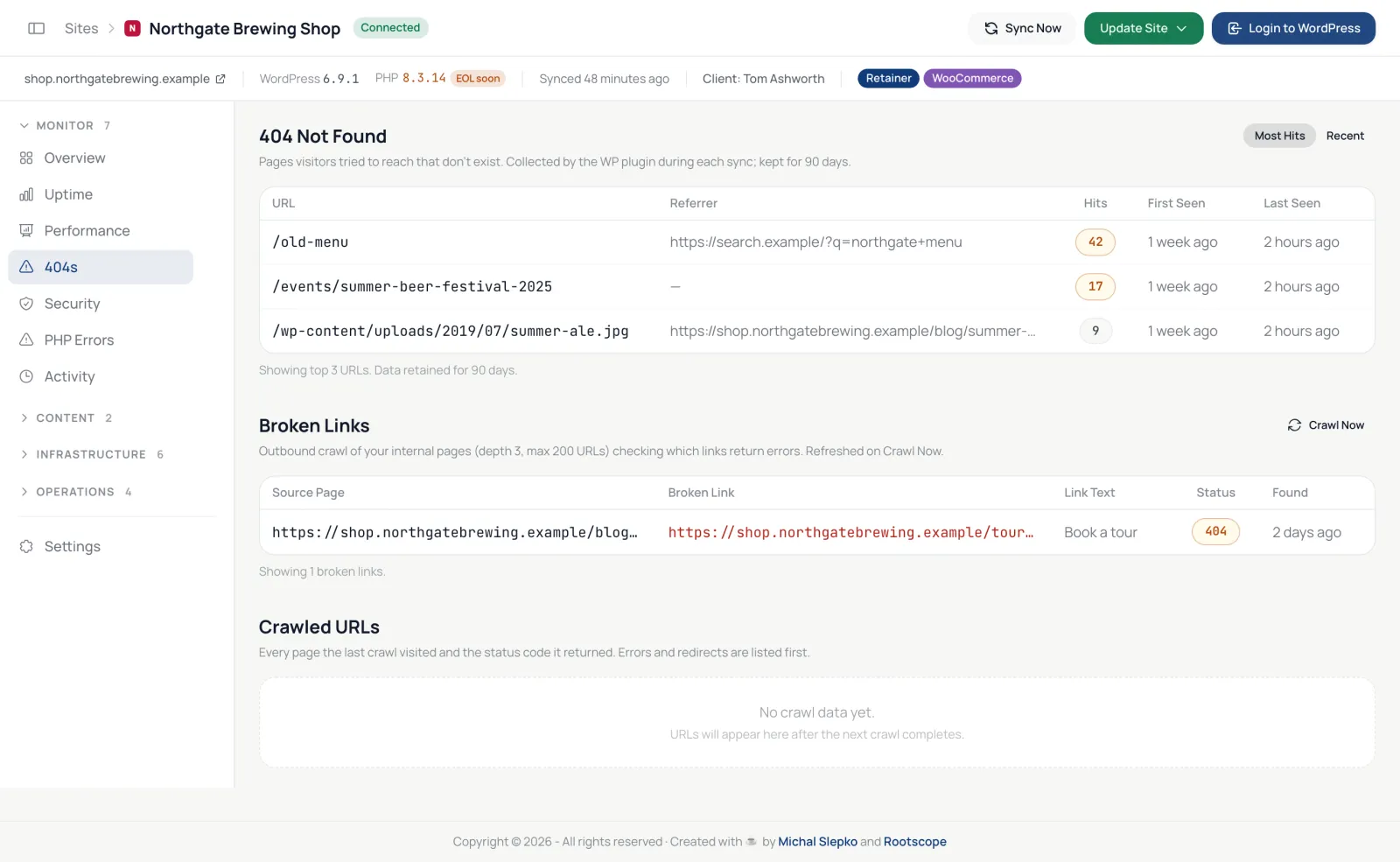
The plugin logs requests for pages that do not exist, up to 1,000 addresses for 30 days, and the dashboard collects them at each sync. The 404s tab lists them by hits or by date. A busy 404 is usually worth a redirect.
Broken links
Every Wednesday at 06:00 UTC, the dashboard crawls each site's own pages, up to 200 addresses and three links deep, and lists links that answer with an error or time out under Broken Links on the 404s tab. Crawl Now runs it straight away, once every 10 minutes. Broken links do not send alerts; they appear in client reports.