

Integrations
Account token and site keys
Your account token connects sites from wp-admin or WP-CLI, and each site has its own API key and secret. How to create, use and replace them safely.
Applies to: All plans
WP Admin Online uses two kinds of credentials: your account token, which connects new sites, and each site's API key and secret, which the plugin uses for every request afterwards. There is no public API for your own scripts yet. The Claude and ChatGPT connector signs in with OAuth instead of a token.
Your account token
The account token lets the plugin connect a site to your account without copying keys by hand.
- Open the account menu and choose Account token.
- Click Generate Token and copy it: it is shown only once.
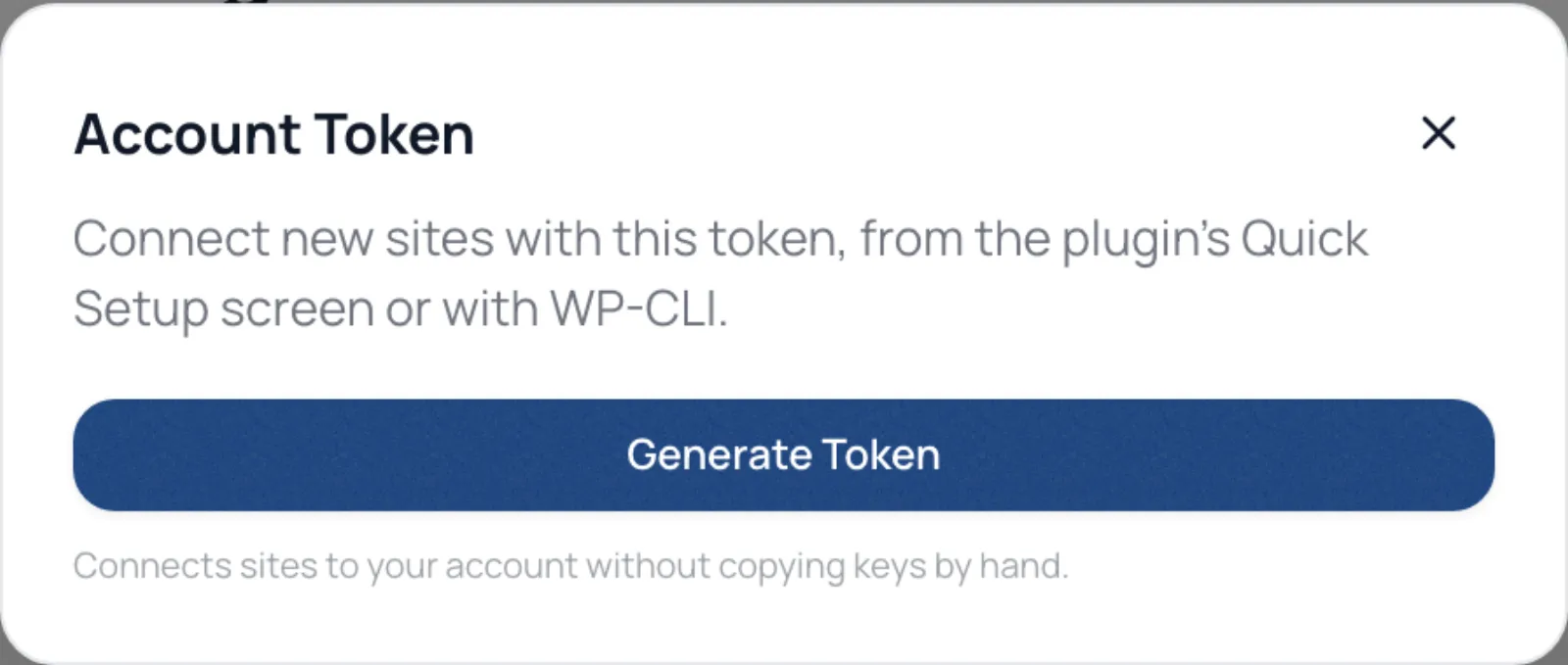
Use it in the plugin's Quick Setup screen in wp-admin, or on the command line with plugin 3.5.0 or newer:
wp rsadmin connect <token>
Sites connected this way wait for your approval before they sync; see Add your first site.
Regenerate token replaces it. The old token stops connecting new sites; sites already connected keep working, because they use their own keys.
A site's API key and secret
Each site has its own API key and secret, created when you add the site. To replace the secret, open the site's Settings, find API Credentials and click Regenerate Secret, then paste the new secret into the plugin on that site, under Tools → RS Remote Site Manager in wp-admin. Until you do, the site cannot sync.
Keep them safe
Treat both like passwords. Anyone with your account token can connect a site to your account, though you still approve it. Anyone with a site's key and secret can make requests as that site's plugin.